
USB CONNECTIVITY · PROJECT SOURCING
USB Wi-Fi Adapters for PC-Based POS & Kiosks
Choose the wireless option around the terminal—not just the speed label. Compare documented LGX USB adapters for a PC-based POS or kiosk, then define the host image and installation position for your enquiry.
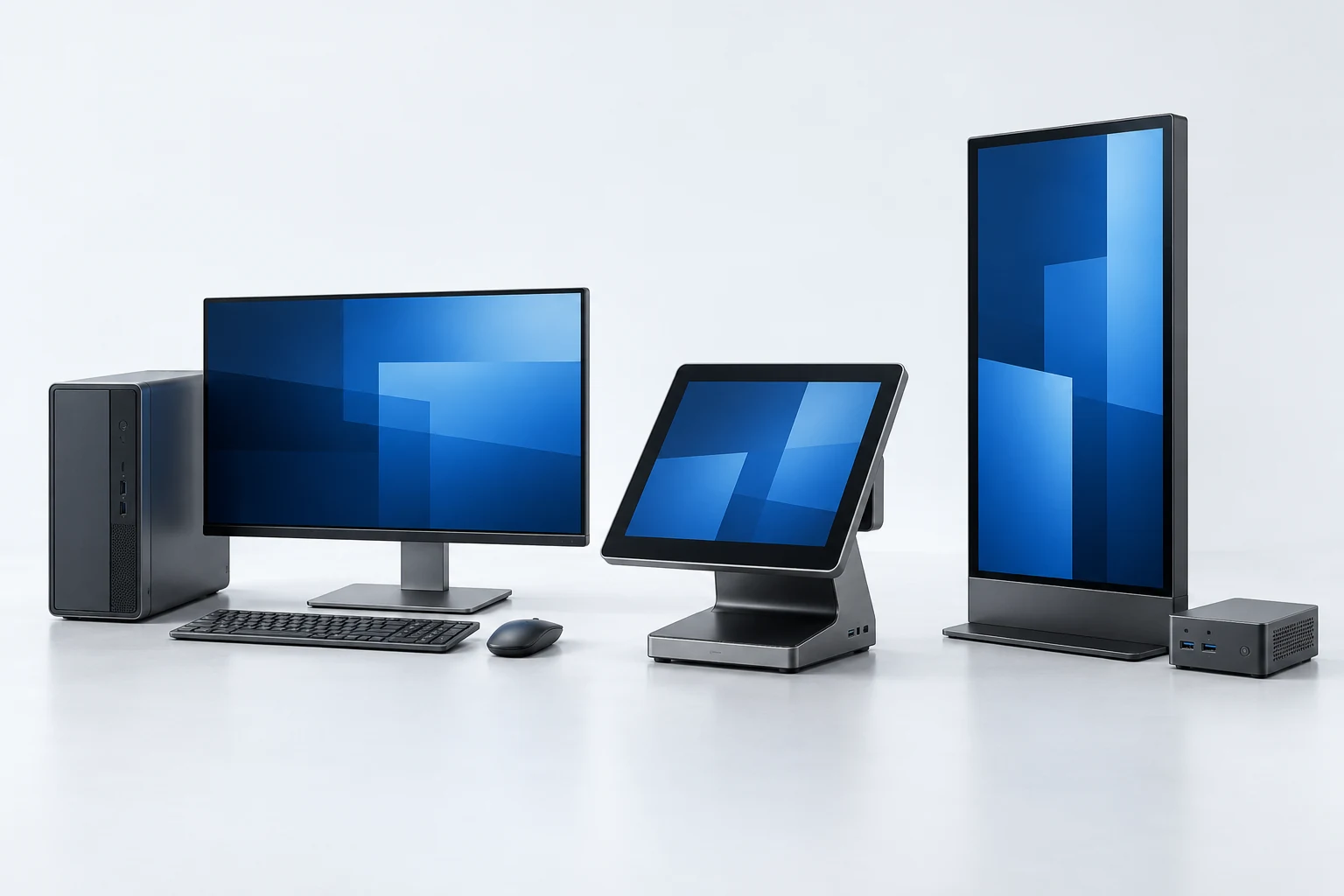
Host concept illustration. Not an LGX terminal, customer installation or tested compatibility example.
START WITH THE HOST
One terminal project. A clearly defined wireless option.
For a terminal OEM or integrator, the useful starting point is the PC running the POS application. Its operating system, USB access and installation permissions determine whether a USB WLAN adapter can be evaluated. A card reader or closed payment terminal needs its own approved accessory route.
Identify the PC
Record the terminal manufacturer, model, CPU architecture and exact OS image. An approved peripheral list takes precedence over a generic chipset description.
Choose the position
Compare a serviceable external adapter with an internal board request. Describe the USB location, nearby metalwork, antenna position and access for replacement.
Define the batch
Name the model and hardware revision, quantity, packing set and the host conditions for sample acceptance. Confirm the supplied configuration before a repeat order.
DEFINE THE DELIVERY
External access or an internal assembly?
Keep the physical installation, host software and order configuration in the same discussion. Request a specific delivery set rather than assuming that accessories or driver work are included.
The adapter connects a supported host to its network. It does not replace a router, payment terminal or store-network management system.
Finished adapter
Use an accessible USB port when the operating system can load the required WLAN driver. Include the protruding length, cleaning or handling exposure, and the method for service replacement in the requirement.
Internal USB board
Use the board route when the enclosure or product assembly calls for it. Ask for the specific board, electrical connection, mounting space and antenna delivery; a plug-in adapter is not automatically a header-ready kit.
REAL MODEL RECORDS
Documented models to discuss for a PC-hosted terminal
These are attribute comparisons, not a POS compatibility list. Matching the chipset used in another brand’s test does not validate an LGX product on that terminal.
MAKE THE ENQUIRY USEFUL
Give the project a clear starting point.
You can enquire without choosing a model. Describe the host and intended assembly, then use the documented options to narrow the discussion.
Terminal model, OS build and CPU architecture; include any approved-peripheral restrictions.
External USB location or internal connection request, available space and intended antenna position.
Required driver format, installation permissions and who maintains the terminal image.
Target quantity, model or board reference, packaging request and sample acceptance conditions.
BUYER QUESTIONS
Keep the host and wireless functions separate.
Specific host support, delivery contents and acceptance requirements belong to the actual configuration.
Can an LGX adapter be used on every POS terminal?
Should I choose Bluetooth as well as Wi-Fi?
Can the board be supplied for installation inside a kiosk?
Technical background and source scope
Elo POS support — Specific host/OS testing is model-dependent; the cited test is for EDUP, not LGX.
LGX product attributes come from the project’s existing model records and factory reply. No named host validation is claimed here.
YOUR NEXT STEP
Discuss the configuration you need.
Share the host, quantity and installation requirements. A quote should identify the model or board revision, requested delivery set and software scope.