PC-based POS & kiosks
Terminal interfaces, installation position and separate Wi-Fi/Bluetooth requirements.
Explore this purchasing route Search
Request a quote
Search
Request a quote
PC & DEVICE PURCHASING
Find the purchasing route for the computer or device you are building, refurbishing or integrating.
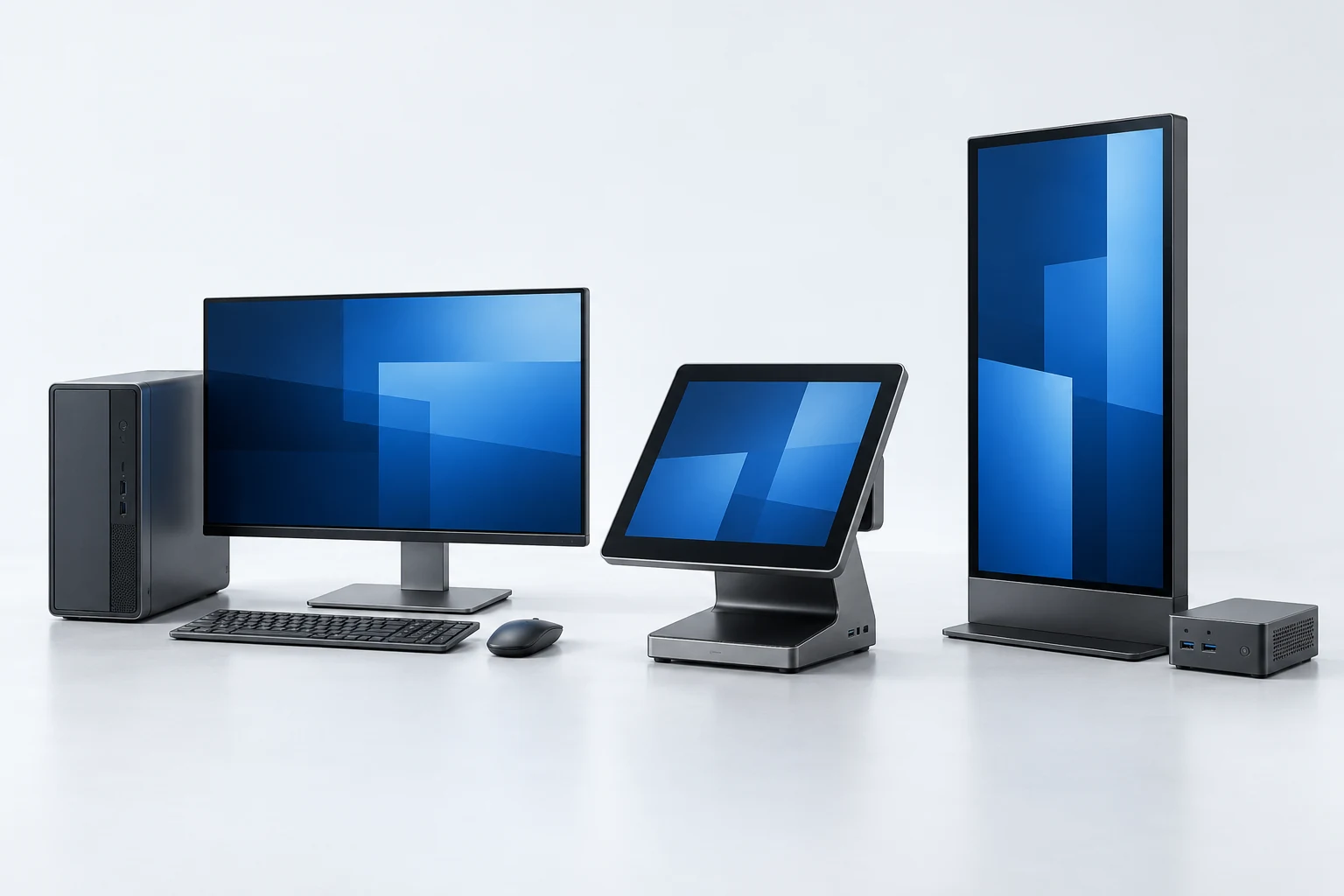
AI-generated host-device illustration · not an LGX product or customer installation.
Compare model configurations, define the supplied revision and plan the driver and packing set for your PCs.
Explore PC supplyStart with the board reference and define the host connection, mechanical fit, antenna and driver requirements.
Explore internal boardsChoose a base product and describe the branding or packaging changes you would like evaluated.
Explore OEM & private labelCompare a documented model assortment and define quantities and delivery requirements for the enquiry.
Explore wholesale supplyHOW THE DECISIONS CONNECT
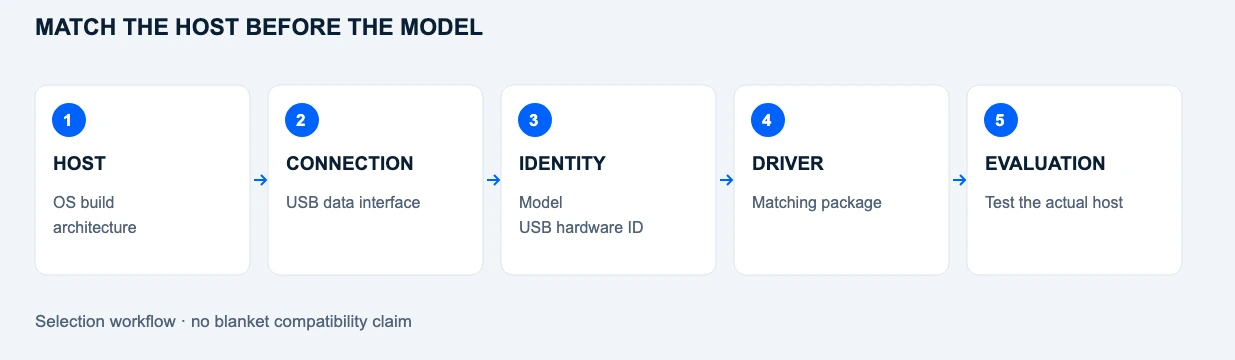
01 Host
OS build and CPU architecture
02 Connection
Available USB data interface
03 Hardware identity
Model, revision and USB hardware ID
04 Software
Matching driver package and installation permission
05 Evaluation
Confirm the configuration on the actual host
Selection workflow. The sequence explains what to check; it does not certify any host / adapter combination.
These contexts help define an enquiry. Product recommendations depend on the actual host, hardware revision and driver conditions.

Start with the host operating system, permission to install a matching driver and the available USB connection. Keep the terminal and adapter revision in the evaluation record.
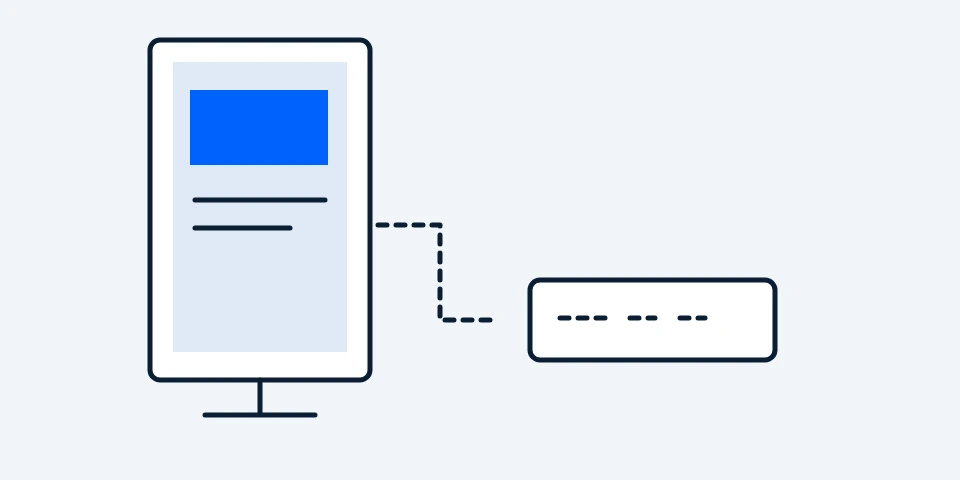
Identify the media-player computer separately from the display. A screen USB port alone does not establish support for a third-party Wi-Fi adapter.

Define the desktop image, driver package and hardware identity to be evaluated across the batch. Use the PC supply route to discuss the required configuration.
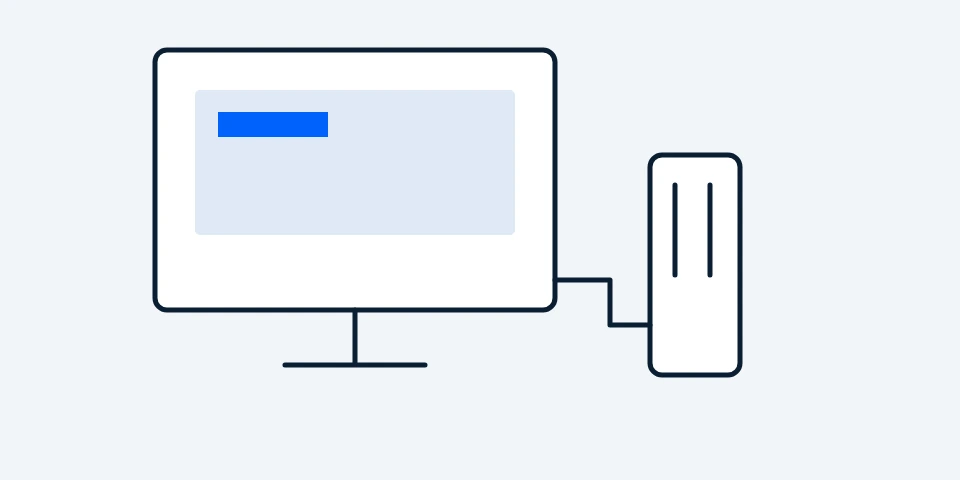
Check the supported-hardware information for the exact endpoint operating system and firmware. A general Linux statement is not approval for every thin-client image.
Confirm the processor architecture, kernel and driver for the exact USB hardware ID. A matching chipset family alone does not establish compatibility.

Review USB access, power, installation space and antenna placement for the specific host. Any environmental or industry qualification must be established separately.
Share the model or board reference if known, the target operating system and the connection requirements.
Discuss a host requirementINTEGRATION IS HOST-SPECIFIC
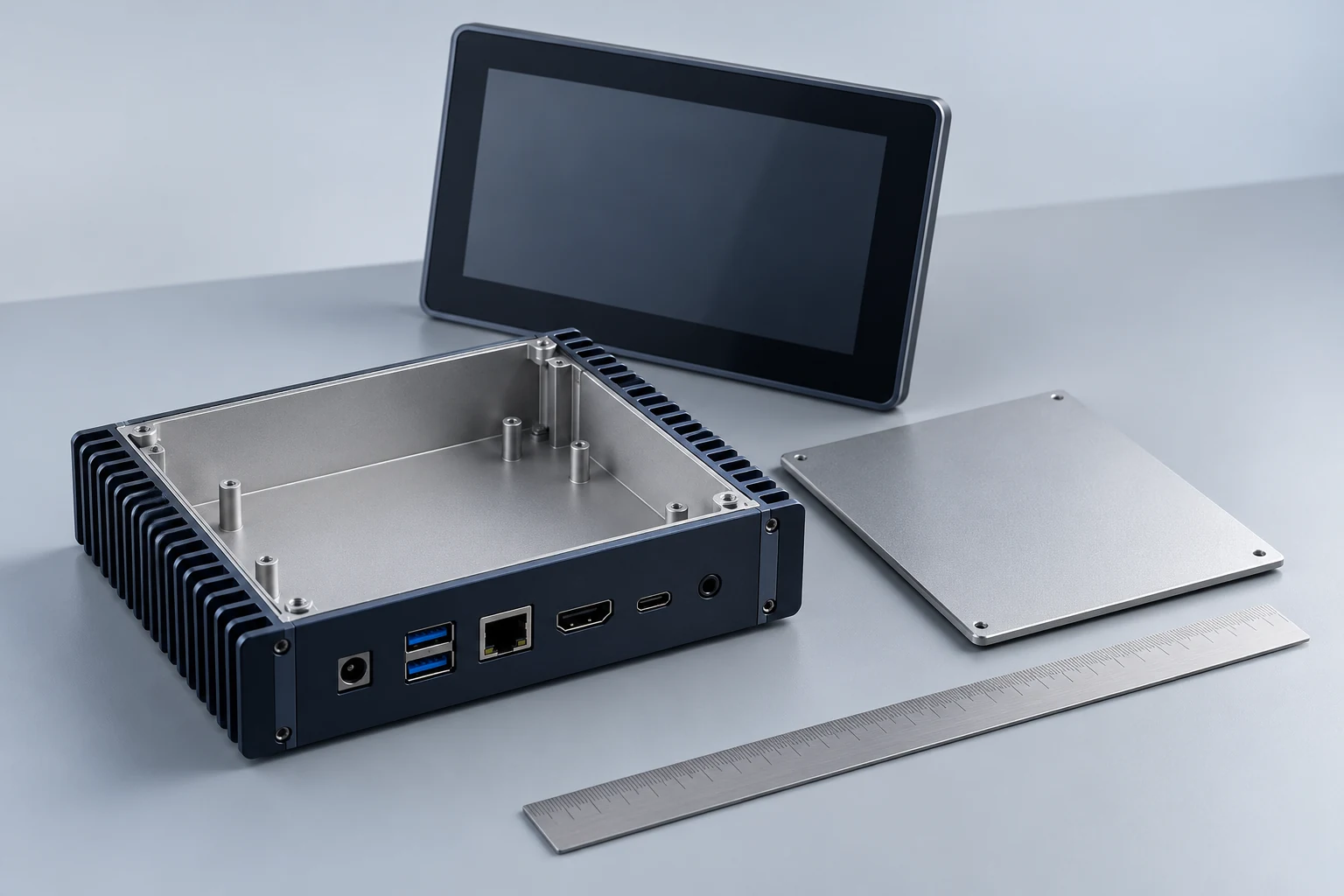
AI-generated host-enclosure concept · no LGX board or dimensional claim.
MECHANICAL + SOFTWARE
Check the actual enclosure, accessible USB connection and antenna arrangement before selecting a supplied assembly.
↗ Host interface and power requirements
↗ Available space and mounting method
↗ OS image, USB hardware ID and driver
↗ Sample acceptance on the intended host
TECHNICAL BASIS
These references support the general explanation. They do not certify an LGX model or a host combination.
Terminal interfaces, installation position and separate Wi-Fi/Bluetooth requirements.
Explore this purchasing routePlayer-PC software, USB access and placement behind a screen.
Explore this purchasing routeExternal adapters versus internal USB boards, enclosure space and driver requirements.
Explore this purchasing routeHost groups, model identity, driver deployment and repeat-batch requirements.
Explore this purchasing route