
USB CONNECTIVITY · PROJECT SOURCING
USB Wi-Fi Integration for Mini & Panel PCs
Choose between an external adapter and an internal USB Wi-Fi board around the host’s actual USB connection, enclosure and software. Give the board or model an exact place in your project’s bill of materials.
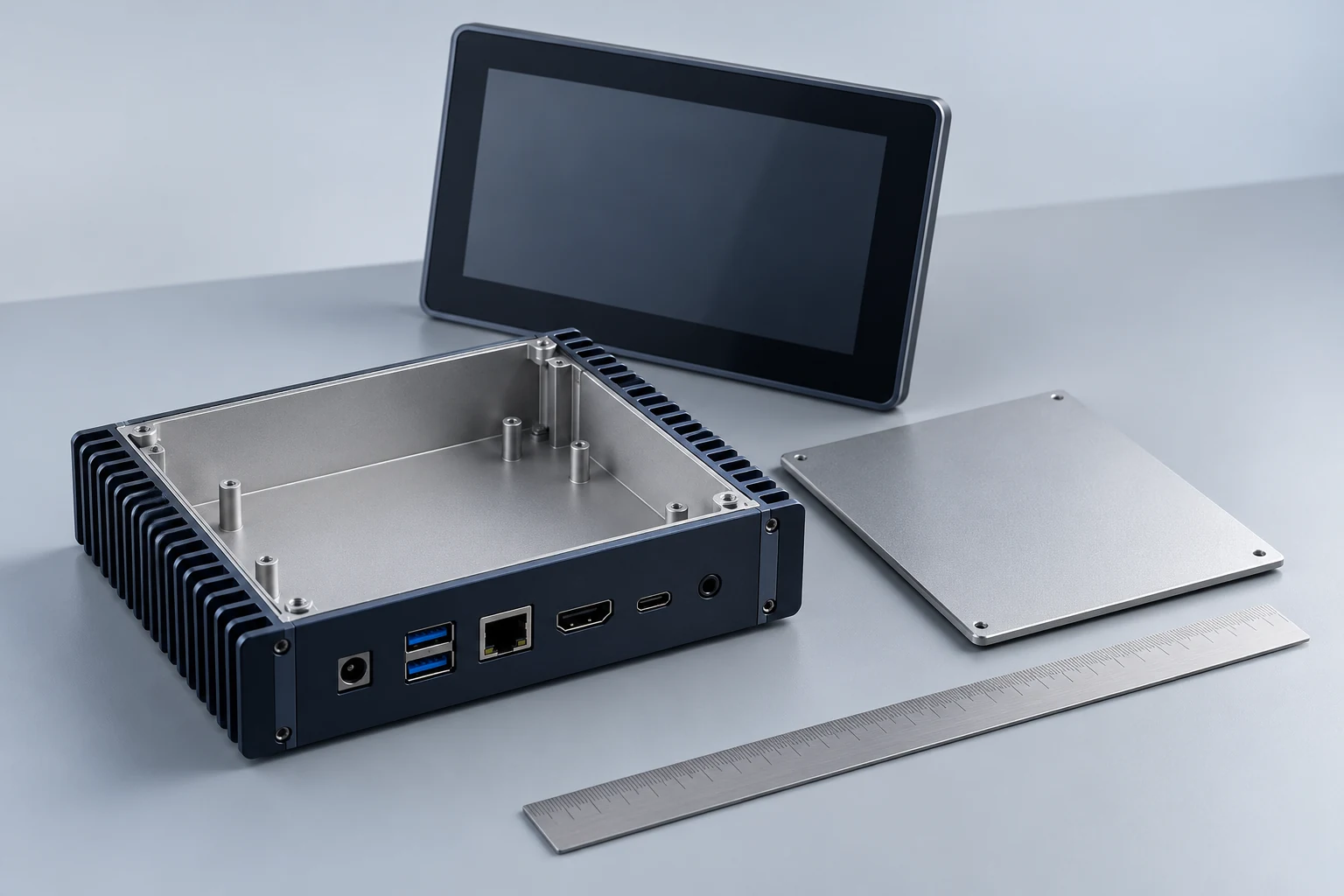
Empty enclosure and panel-display concept. Not an LGX computer, mechanical drawing or verified integration.
START WITH THE HOST
A connector shape is only one part of the integration.
Mini, Box and Panel PC projects often expose different internal and external connection options. Confirm the electrical interface before selecting the board. An M.2 or mini PCIe outline is not proof of USB signalling, and a finished USB adapter does not establish a header pinout.
Locate the USB host
Specify the actual USB data interface and connection method. Treat connector shape, board contacts and the host’s internal header as separate details to agree.
Define the assembly
Record the envelope, height, fixing points, power and antenna route. Keep the main computer’s input supply separate from the wireless board’s required input.
Make software part of the BOM
Name the board revision, USB hardware ID, host architecture, OS/build and driver package. Agree who installs, distributes and maintains that software for the project.
DEFINE THE DELIVERY
Choose the assembly you can install and maintain.
Keep the physical installation, host software and order configuration in the same discussion. Request a specific delivery set rather than assuming that accessories or driver work are included.
Conceptual integration boundary. This is not a pinout, voltage specification or mechanical drawing.
Finished adapter
Keep the external connector accessible and include the required physical clearance. This route allows the enclosure and replacement process to be evaluated without assuming an internal cable or header kit is supplied.
Internal USB Wi-Fi board
Use a real board reference from the LGX catalogue. Request its actual delivery contents, pinout, input power, dimensions, antenna connection and software package; those fields are specific to the build.
REAL MODEL RECORDS
Compare the finished-adapter route
These models are documented product options to discuss. Their presence here does not establish compatibility with a specific Mini or Panel PC.
INTERNAL USB ROUTE
Start from a real board reference.
Compare a specific catalogue entry and its version. A photograph is not a pinout or a measurement; electrical, mechanical and software fields must follow the supplied board.


MAKE THE ENQUIRY USEFUL
Give the project a clear starting point.
You can enquire without choosing a model. Describe the host and intended assembly, then use the documented options to narrow the discussion.
USB data interface, connector/header drawing and required supply conditions for the chosen board.
Available length, width, component height, fixing locations and service access.
Intended antenna type, cable path, enclosure material and any feed-through requirements.
CPU architecture, OS/build or kernel/BSP, driver package and project acceptance conditions.
BUYER QUESTIONS
Resolve the decision before the order.
Specific host support, delivery contents and acceptance requirements belong to the actual configuration.
Do these boards replace an M.2 or mini PCIe Wi-Fi card?
Can a 12 V computer supply be connected directly to the board?
Are the boards industrial-grade?
Technical background and source scope
Protectli host-interface note — Connector form and electrical bus are separate; the example is not an LGX board.
Acme USB-module documentation — Pin, antenna and software requirements belong to the exact module.
LGX product attributes come from the project’s existing model records and factory reply. No named host validation is claimed here.
YOUR NEXT STEP
Discuss the configuration you need.
Share the host, quantity and installation requirements. A quote should identify the model or board revision, requested delivery set and software scope.